Passing Data Across Multiple Systems
BEFOREExport, copy, re-enter, and verify the same data over and over.

 Sales Platforms
 Warehouses
 Logistics
 InvoicingRepeated Handoffs
Connect supported sales platforms, logistics providers, and third-party warehouses around order processing, and link applicable invoicing workflows so information moves more easily across operations.
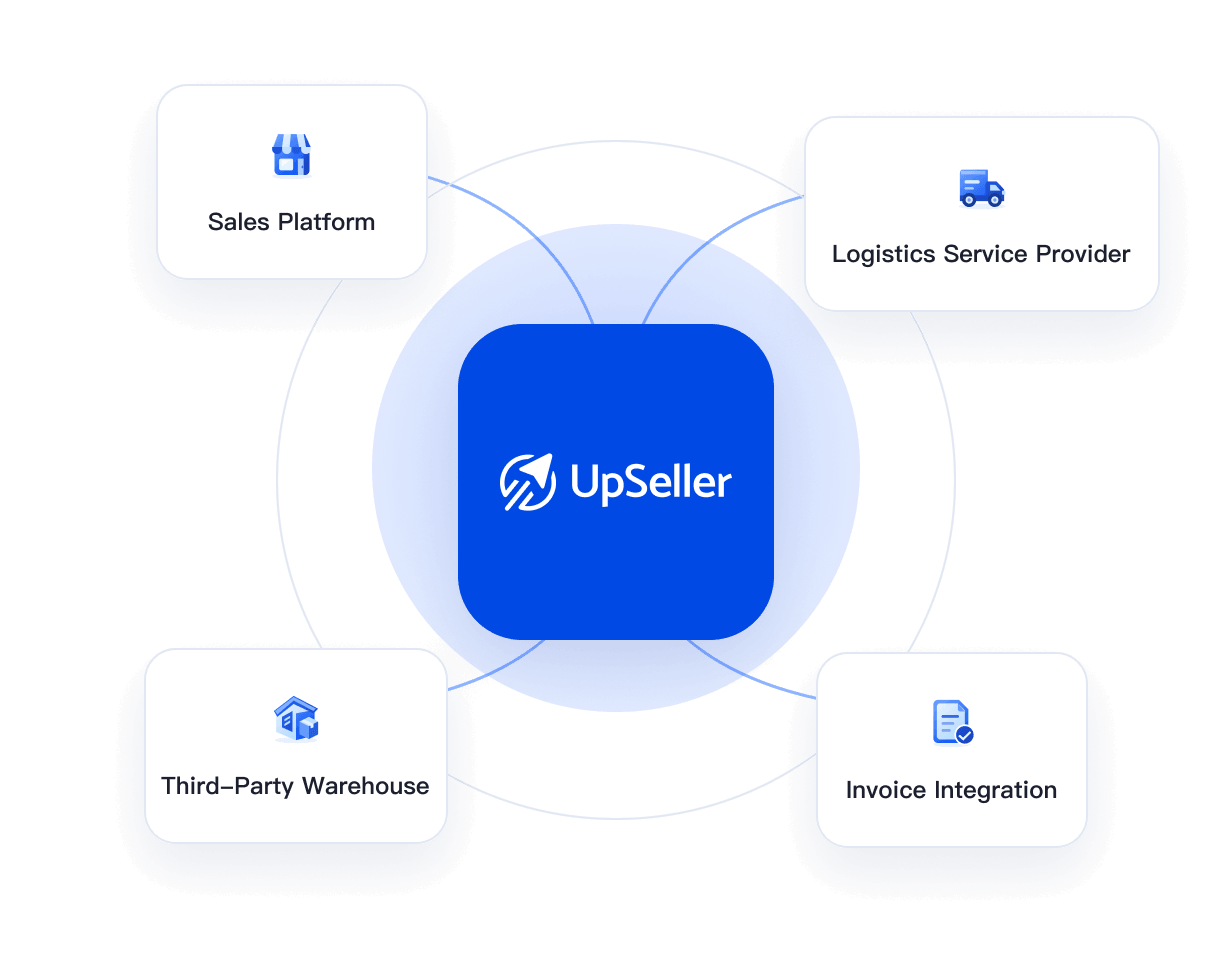
Orders move from sales platforms to warehouses. Shipping needs tracking numbers and labels, while invoicing requires matching orders, recipients, logistics, and product details. When these steps are spread across systems, teams repeatedly export, copy, paste, and verify information.
Orders move from sales platforms to warehouses, requiring repeated organization and transfer of scattered order data.
Warehouses may not know about new orders, and delayed links between order and inventory data create repeated checks.
Shipping needs tracking numbers and labels. Logistics providers may miss shipping instructions, and tracking numbers may not return to the platform in time.
Invoicing requires matching orders, recipients, logistics, and products. Scattered data makes invoices harder to match with orders.
Use orders as the thread connecting supported services and improving information flow across operations.
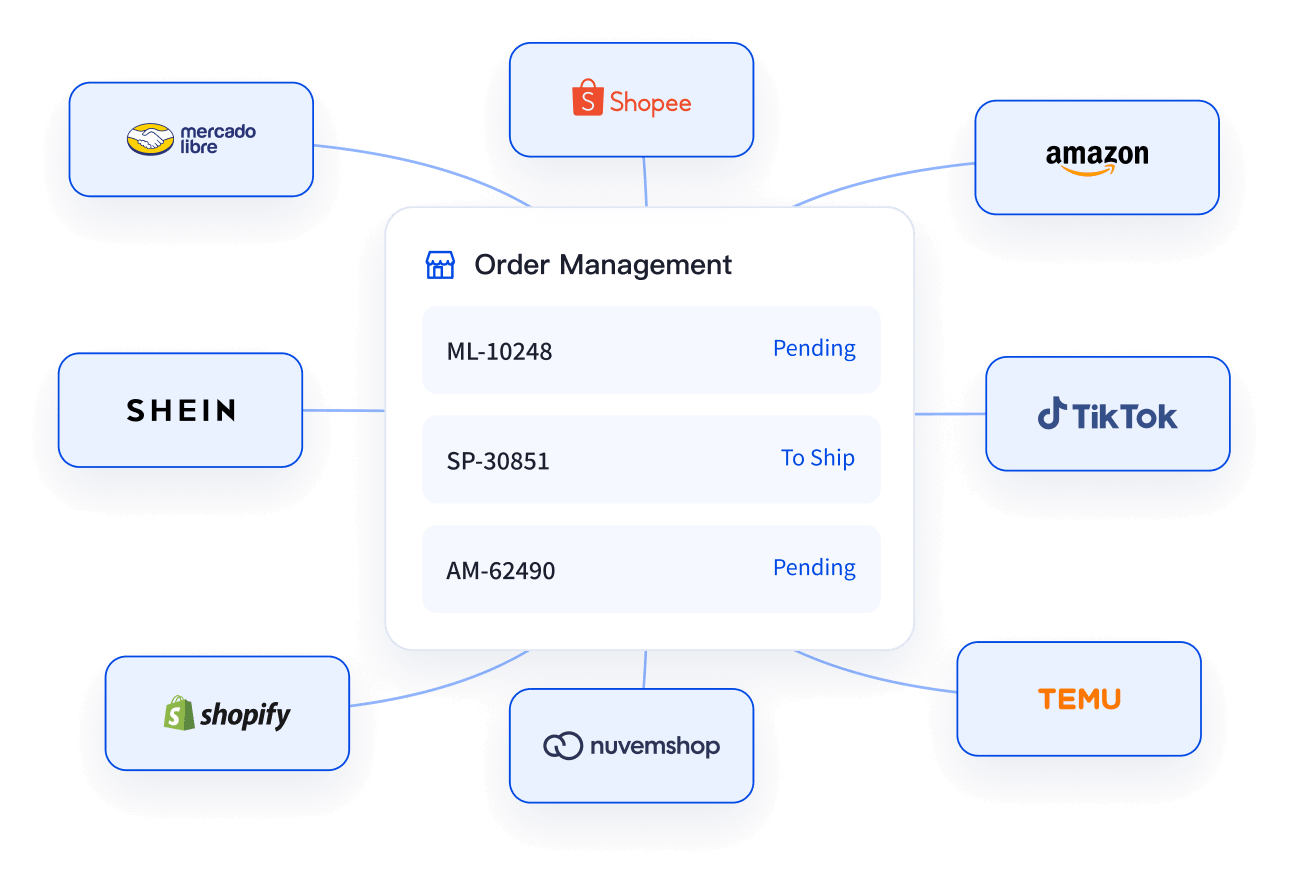
Bring authorized sales channels into product and order management. View and handle orders in one place instead of across multiple dashboards.
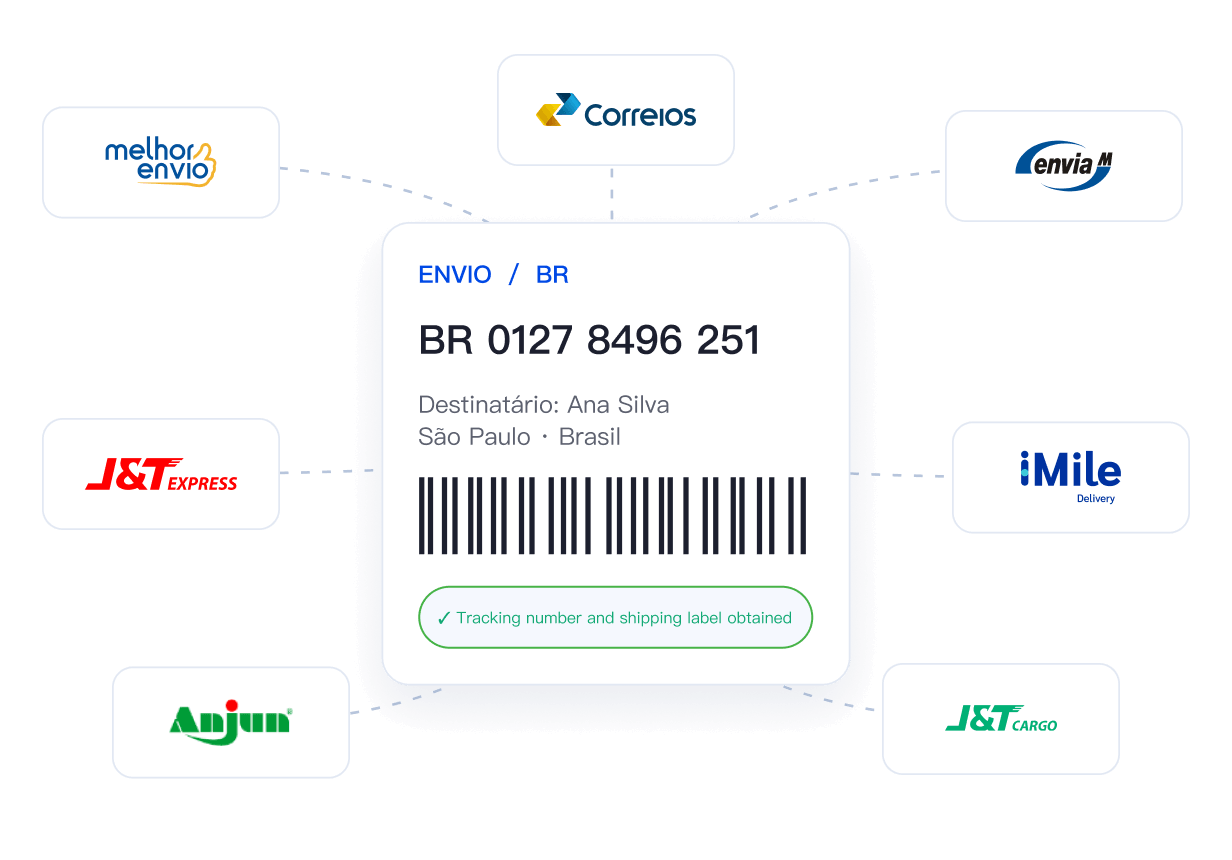
In eligible order workflows, get tracking numbers and shipping labels from authorized logistics providers, reducing manual lookups, uploads, and entry.
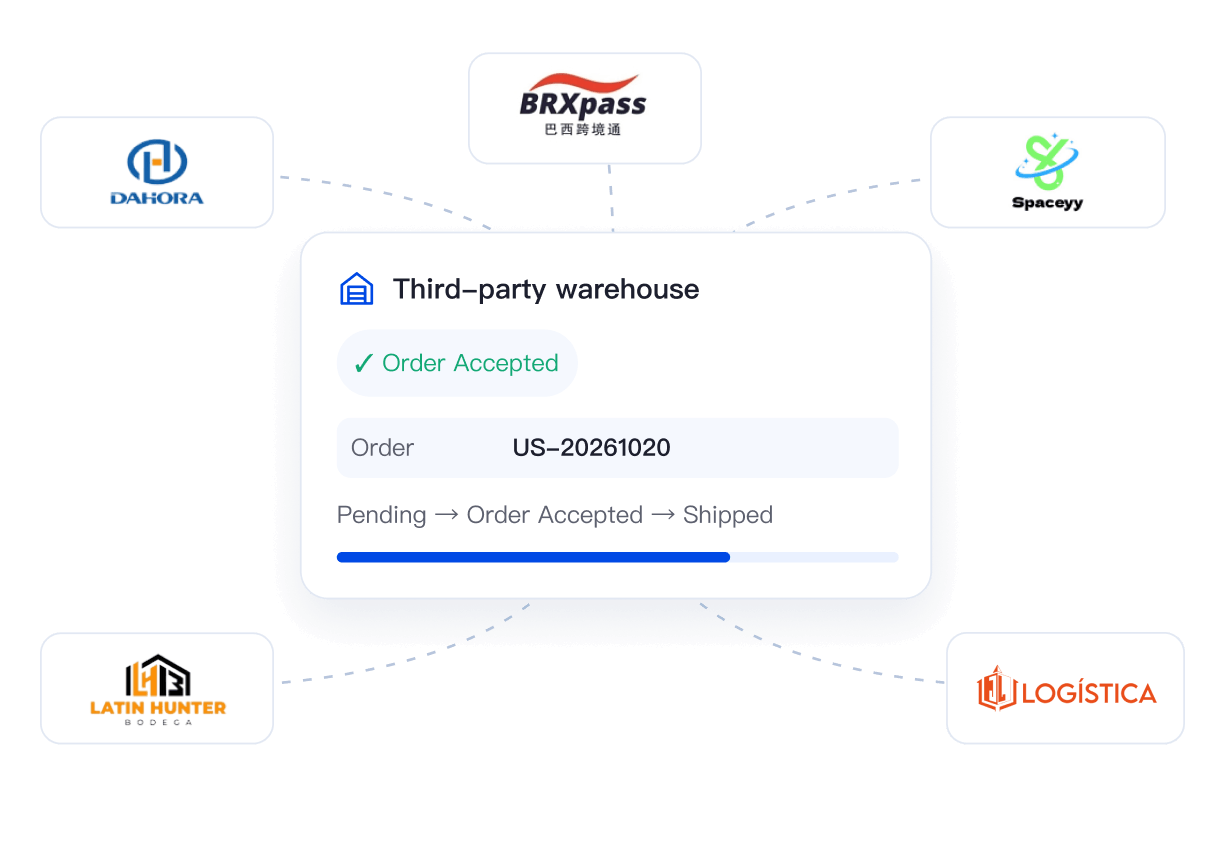
Send order and product information within each warehouse’s supported scope and sync inventory to reduce overselling and stockouts.
Understand when electronic invoicing fits the order workflow so invoice data better reflects actual business records.
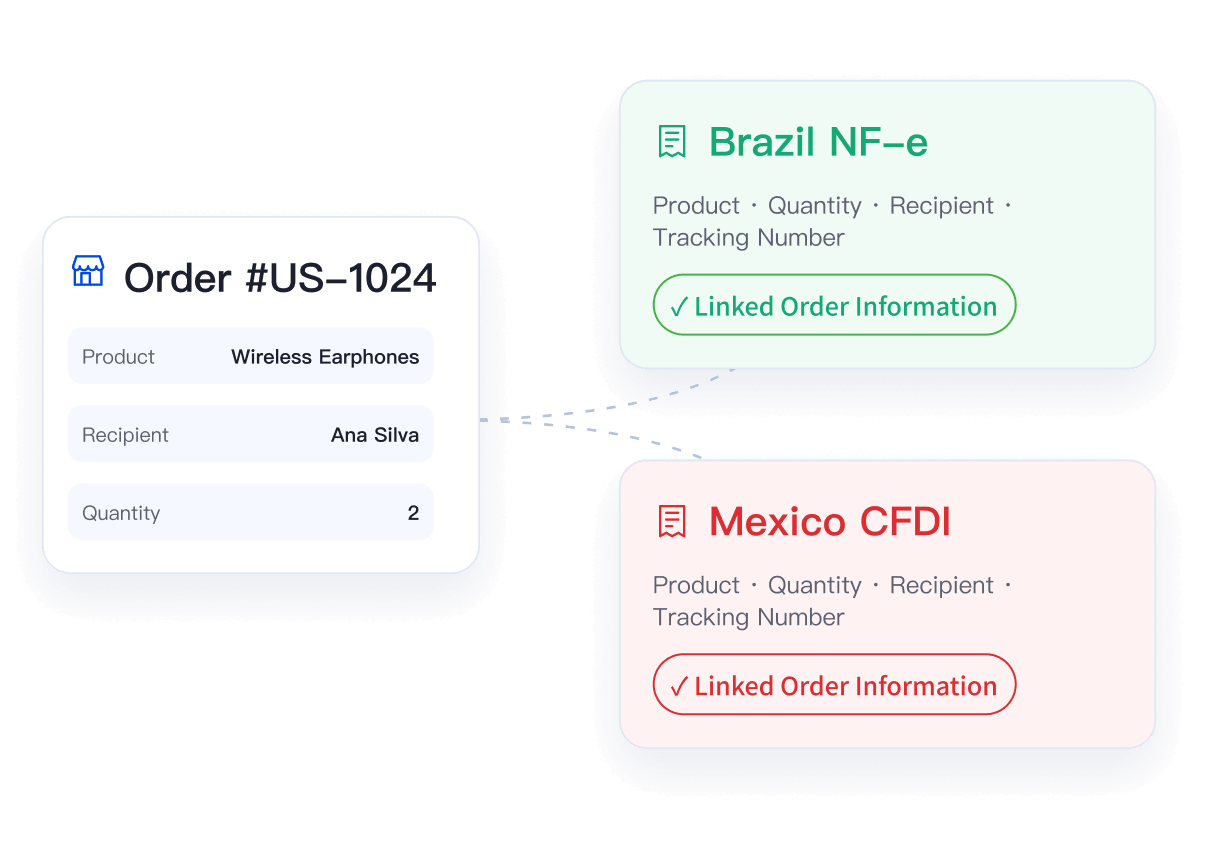
Orders, tracking numbers, inventory, and invoicing data connect automatically in eligible workflows.Spend time checking exceptions, following up on shipments, and handling after-sales issues instead of repeatedly transferring the same data.
Export, copy, re-enter, and verify the same data over and over.
Sales PlatformsWarehousesLogisticsInvoicingRepeated HandoffsInformation connects across the workflow, making key steps clearer.

 Sales Platforms
 Warehouses
 Logistics
 InvoicingUpSellerBusiness Collaboration
Find the providers you use and follow their authorization and setup guides. Available features and conditions depend on the current integration directory and provider documentation.

Manage Authorized Sales Channels
















Get Tracking Numbers and Shipping Labels





Send Orders and Products and Sync Inventory





Follow the provider’s guide to connect step by step, then complete the applicable setup after authorization.
01
Check Availability
Choose a sales platform, logistics provider, or warehouse and check supported sites and features.
02
Authorize Your Account
Follow the guide to connect the relevant account through service or store authorization.
03
Configure and Start Working Together
Set up shipping addresses, warehouses, or product mappings, then use the integration in your order workflow.
Learn about supported integrations and how to connect them.
Refer to the current integration directory and each provider’s documentation.



 Mercado Libre
 Shopee
 Amazon
 SHEIN
 TikTok Shop
 TEMU
 Falabella
 AliExpress
 Magalu
 Kwai
 Americanas
 Walmart
 Shopify
 Nuvemshop
 WooCommerce