As Stores Multiply, Daily Management Does Not Have to Become More Fragmented
Bring operations for connected stores into UpSeller. Work with products, orders, and inventory in one place, with less switching between platform dashboards.
Multiple Platforms
Connect in One Place
One Entry Point
Organize Tasks
Multiple Roles
Work Together
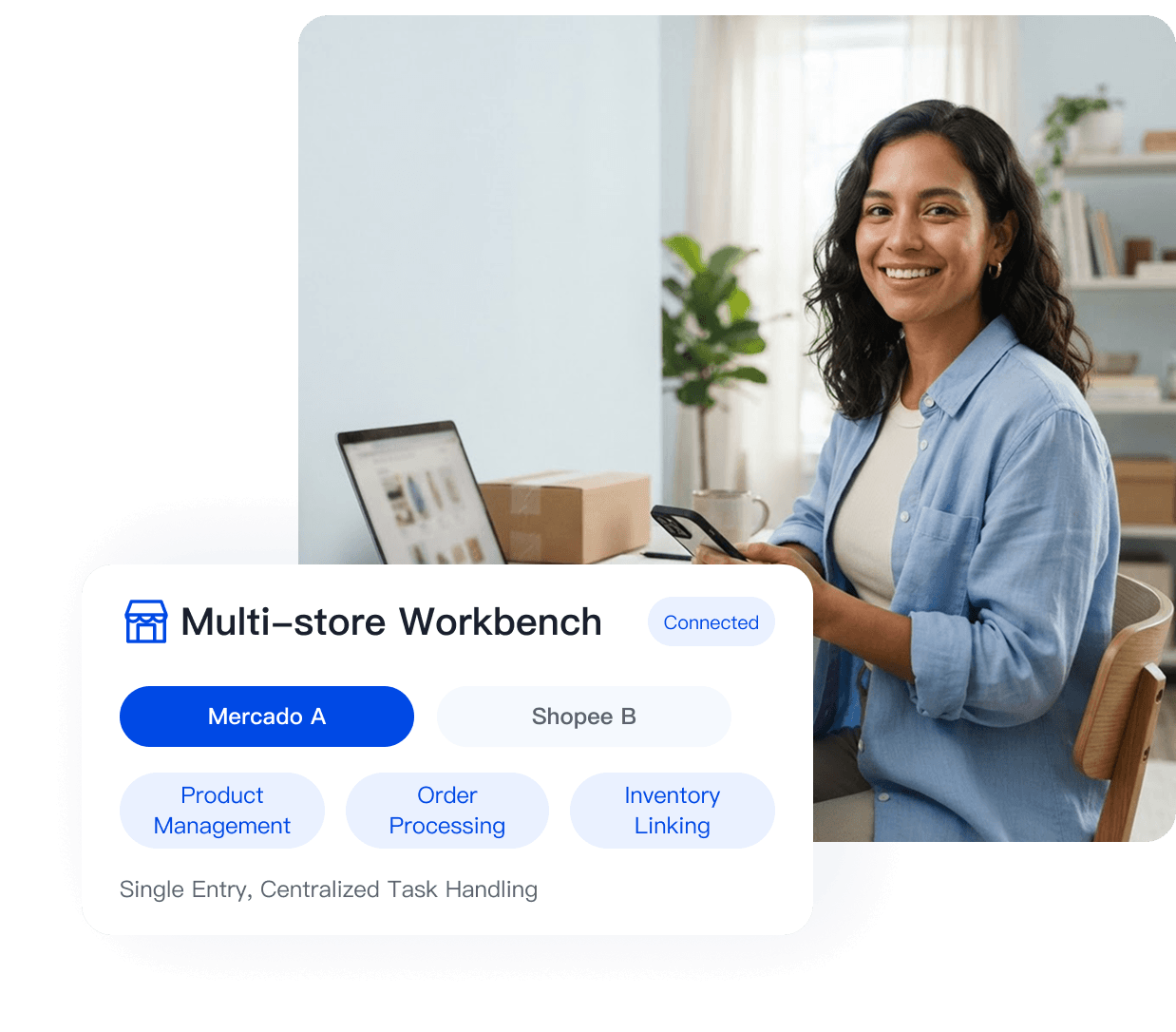
Switching Between Dashboards All Day Makes the Work That Matters Harder to See
Are These Repetitive Tasks Taking Up Your Time Too?

Scattered Orders
Orders Scattered Across Dashboards Are Easier to Miss During Sales Events
Orders from different stores are spread across separate dashboards, each requiring its own login. When volume spikes, handling them store by store can lead to missed or mistaken orders, while late shipping may affect store performance.
Hard-to-Sync Inventory
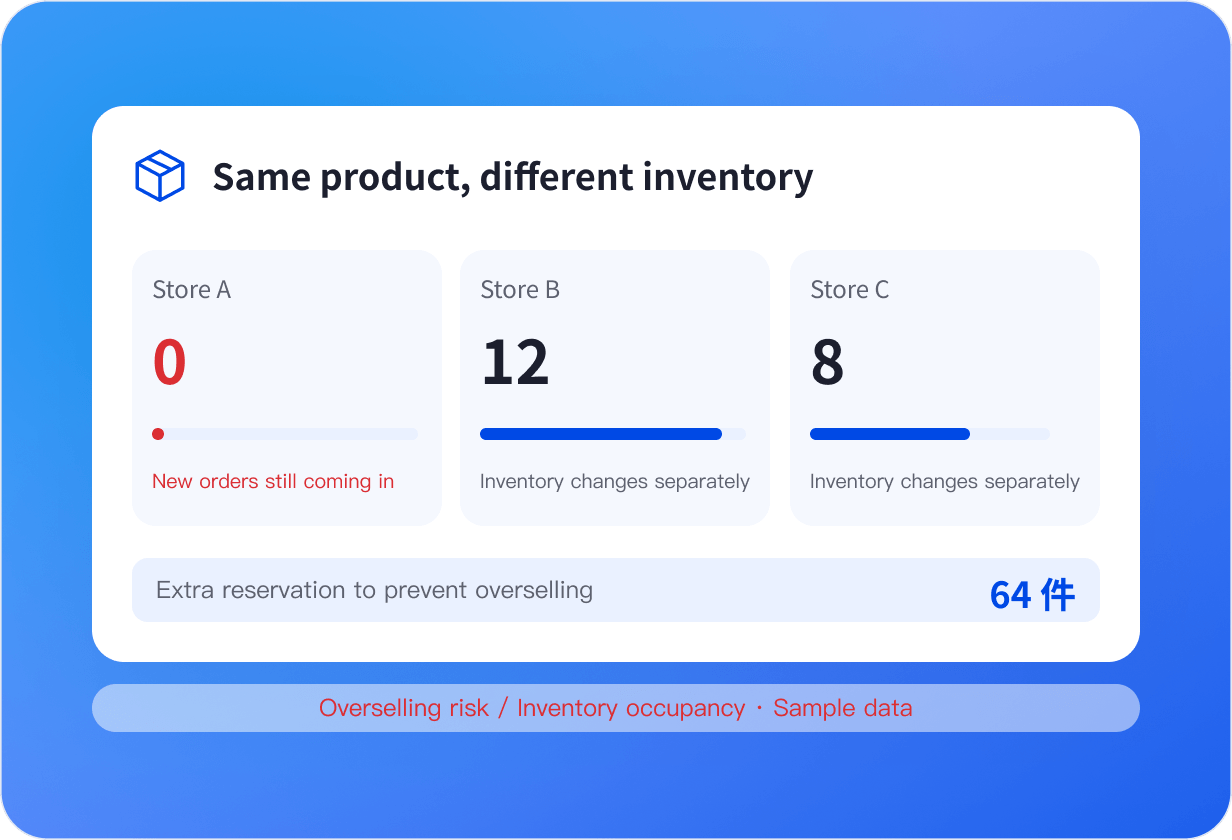
Separate Inventory Deductions Bring Both Overselling and Tied-Up Stock
The same stock sells across multiple channels, but each store’s inventory changes separately. Store A may sell out while Store B keeps selling, increasing overselling risk; reserving too much stock to prevent that ties up capital and warehouse space.

Disorganized Team Collaboration
When Tasks Travel Through Screenshots and Group Chats, Ownership Is Hard to Track
Operations, customer service, and warehouse teams work separately, passing updates through screenshots and group chats. It becomes hard to quickly track who handled an order or which after-sales issue is still pending.
Let the System Handle Store Switching and Focus on Running Your Business
Move daily work forward through one entry point, from consolidated orders and linked inventory to team tasks.
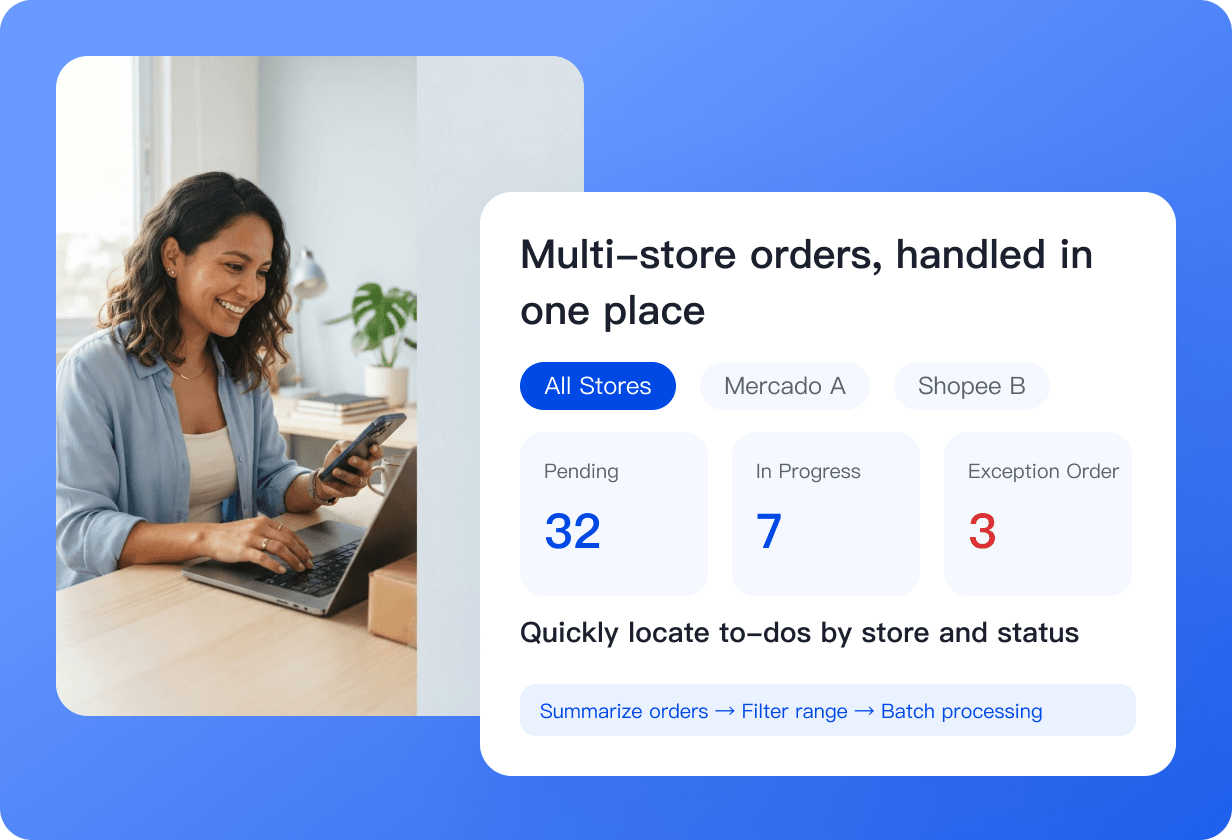
Process Orders From Multiple Stores in One Place
See orders from connected stores in one list. Filter by store, status, or time; ship in bulk and print shipping labels. Track orders across stores on one page with fewer missed items and less switching.
 Find the Orders to Handle by Store and Status
- Advance Selected Orders Together With Clearer Bulk Actions
- Switch Stores and Preview Shipping Outcomes in the Demo
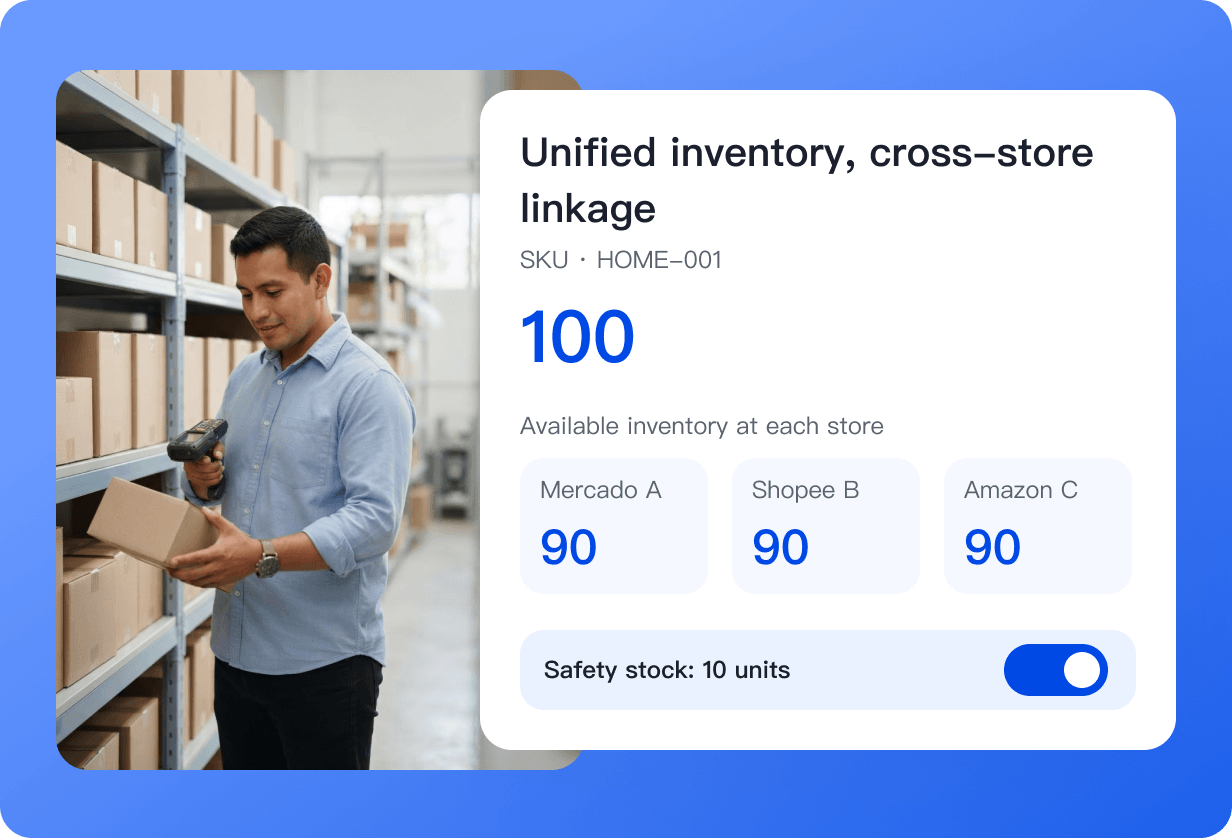
Sync Inventory Across Stores With Clearer Product Links
Link listings for the same SKU across stores to shared inventory. Deduct and sync stock after sales according to your settings, and set safety stock to help reduce overselling.
Match Products First, Then Set Sync Rules
Authorizing a store does not complete inventory setup. Follow the guide to maintain product links and enable the corresponding sync rules.
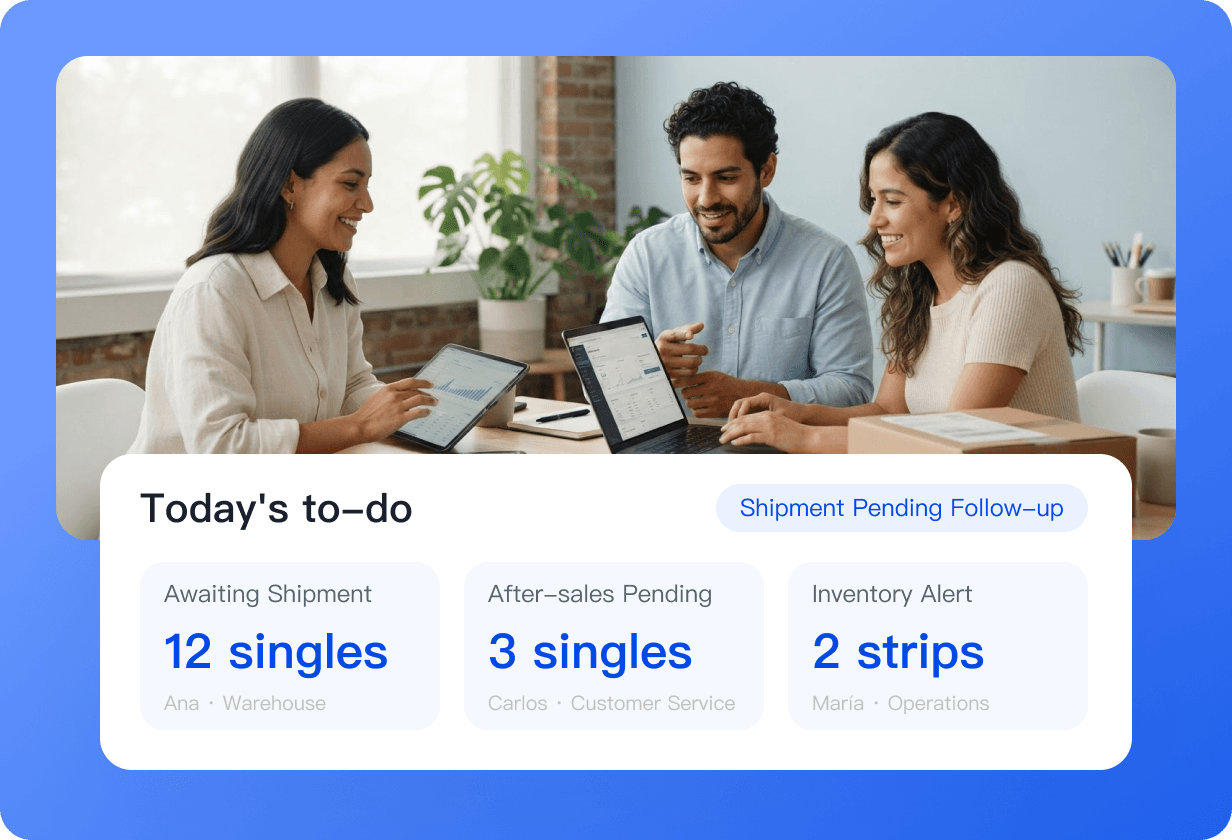
Coordinate Teams and Track Tasks Through One Entry Point
Operations, customer service, and warehouse teams share one workspace. Orders, after-sales cases, and stock alerts are organized by status, making owners and progress clearer with less reliance on screenshots and group chats.
Spend More Time Running Your Business, Less Time Switching Dashboards
Organize daily tasks faster, review store information more clearly, and help your team work together through one entry point.

One Task Hub, Less Switching
Bring tasks from different stores into one workspace, so your day starts with getting work done instead of hunting for information.

Business Information in One Place for Clearer Review
Quickly view key information on orders, inventory, shipping, and after-sales cases to reduce the risk of overlooking or misreading details.

More Efficient Teamwork With Clearer Ownership
Make assignments, progress, and issue handling more transparent so operations, customer service, and warehouse teams can follow the same workflow.
Manage Multiple Stores With One Reliable Tool
Multiplatform connectivity is a capability sellers use every day, not just a concept.
15 Leading Ecommerce Platforms
Connect supported platforms and stores to create one entry point for product, order, and inventory management.















Why You Can Connect With Confidence
Authorization-based connection without changing your store’s existing settings

Authorization-Based Connection
Connect stores through platform authorization to create one entry point for future work.
Manage Centrally and Verify on the Platform
Handle daily tasks through supported features while retaining the option to review and verify information on the original platform.
Manage by Store and Status
Keep the scope of actions clear to reduce mistakes and omissions across stores.
Built for Multistore, Multiplatform Teams
Set the stores each member can see and the tasks they can perform according to account, plan, and permissions.
- Customer Story

We sell home goods on both Mercado Livre and Shopee. Switching between dashboards to check orders alone used to take two hours a day, and manually reconciling stock across both stores led to overselling penalties every month. With UpSeller, we process orders in one place and inventory syncs automatically. Overselling has nearly disappeared.
· Multichannel Order and Inventory Coordination
- Customer Story

We have stores on Mercado Livre and Shopee, with many beauty SKUs. We used to update prices and stock separately in each store, then check them one by one. In UpSeller, one change takes effect in both stores, cutting review time from half a day to a little over ten minutes.
· Organize Work Around Product Links
- Customer Story

We used to log in separately to process Shopee and Amazon orders, and sales events were overwhelming. With UpSeller, orders are grouped by status; shipping and refunds are handled on one page, so the team no longer has to keep switching dashboards.
· Move Daily Tasks Forward by Status
Frequently Asked Questions (FAQ)
Learn about platform coverage, store authorization, inventory setup, and team access.
No. Platform APIs and business rules differ. Check the relevant platform information for supported countries, store types, and feature scope.



 Mercado Libre
 Shopee
 Amazon
 SHEIN
 TikTok Shop
 TEMU
 Falabella
 AliExpress
 Magalu
 Kwai
 Americanas
 Walmart
 Shopify
 Nuvemshop
 WooCommerce