On the Right Device,Keep Business Moving
Handle daily operations on a computer, view and manage supported tasks on mobile, and use suitable extensions for specific work. Check each device’s feature scope and choose the workflow that fits you.
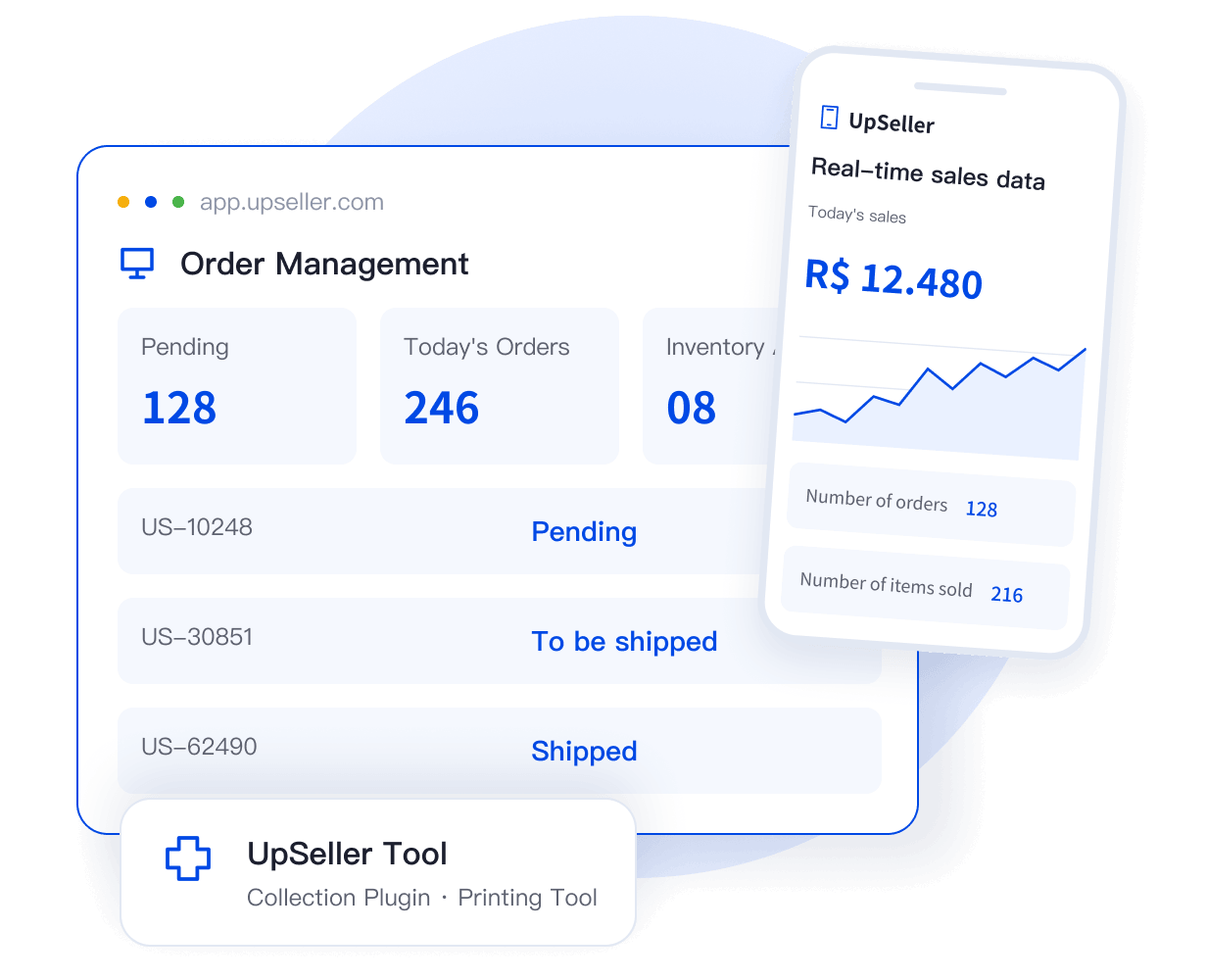
Work Does Not Always Happen at a Computer
Scan and ship in the warehouse, reply to messages and check sales data while away, and cut repetitive browser tasks when preparing products. Simple tasks do not have to wait until you are back at your desk.

Handle Shipping Tasks on Site
View orders and verify parcels to complete tasks on site in the warehouse.

Buyer Messages Cannot Wait
Keep up with inquiries and business progress while away.

Reduce Repetitive Product Preparation
Use browser tools where appropriate to reduce repetitive work.

Each Device Has Its Role
Choose the right entry point for your task and check what each tool can do and how to use it.

Web
Desktop Browser
Access UpSeller through a desktop browser to use all business features available to your account. Handle complex work such as product management, bulk order processing, inventory, purchasing and sales, and financial data in one place on the web.

Mobile App
iOS / Android
Use the official mobile app to view live sales data, reply to buyer messages in one place, process shipments, and check inventory details. Keep up with business wherever you are; available features depend on the latest version.

Browser and Printing Tools
Efficiency Tools for Specific Tasks
Browser extensions and printing tools improve efficiency in specific situations, supporting product collection and quick printing. Refer to each tool’s documentation for system requirements, installation, and supported use cases.
Make Viewing, Processing, and On-Site Tasks Fit Where You Work
You do not need to return to your desk just to check an order or reply to a message. Choose tools based on where you work, switch devices less often, and keep daily tasks moving across devices.
 Morning · Warehouse
Scan and Ship
Use your phone in the warehouse to view orders, verify parcels, and handle shipping tasks.
 Midday · On the Go
Reply to Messages
Use your phone or tablet to reply to buyers and check sales data promptly.
 Afternoon · At Your Computer
Process Orders in Bulk
Return to the web to handle complex work, bulk actions, and comprehensive management tasks in one place.
 One Account, Different Entry Points for Different Tasks
Frequently Asked Questions (FAQ)
Learn about features across devices, download options, and compatibility.
No. The mobile app focuses on core tasks such as viewing data, replying to messages, processing orders, and managing inventory. Some complex features still require the web. Refer to the mobile app for its current feature scope.



 Mercado Libre
 Shopee
 Amazon
 SHEIN
 TikTok Shop
 TEMU
 Falabella
 AliExpress
 Magalu
 Kwai
 Americanas
 Walmart
 Shopify
 Nuvemshop
 WooCommerce