Make order fulfillmentmore efficient and organized
Manage orders across platforms in one place, with invoicing and shipping working together. Make picking, label printing, and scan-based dispatch smoother, and keep track of returned parcels.
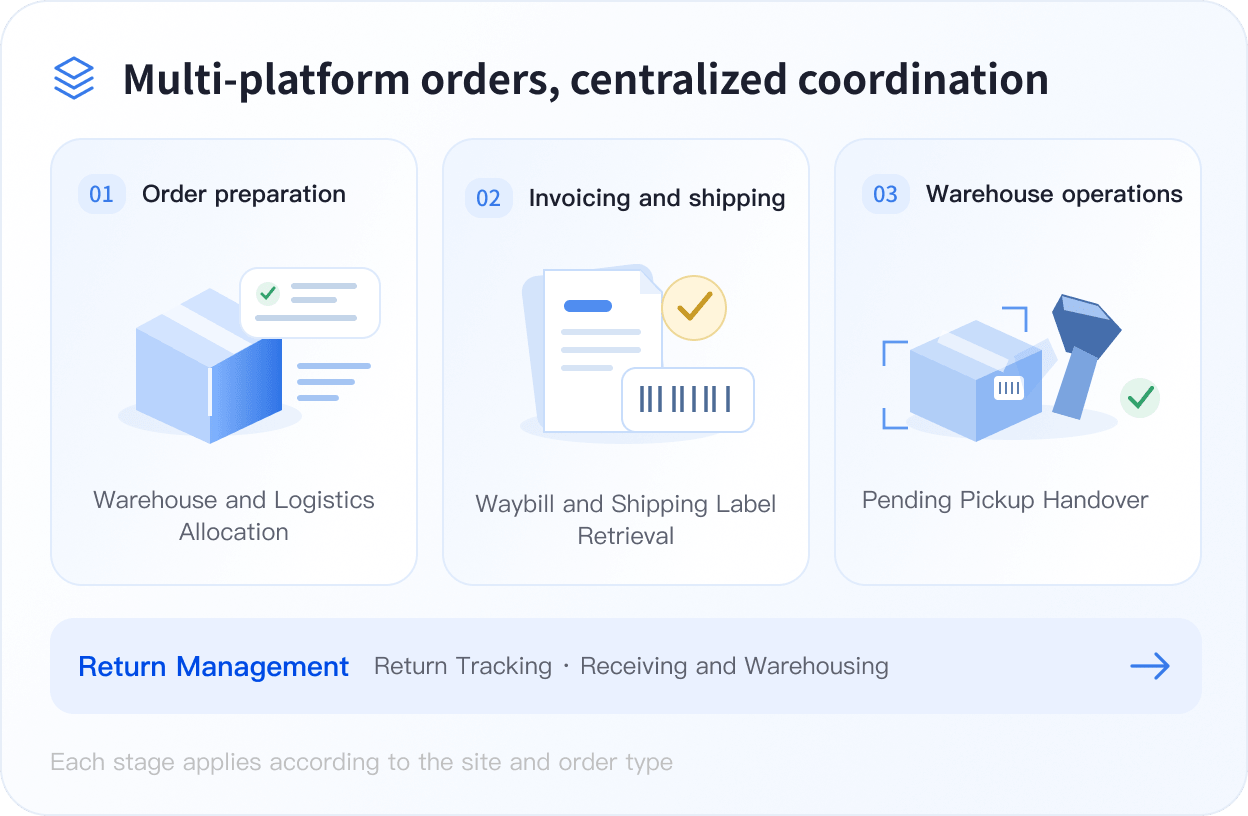
As orders grow, fulfillment needs better coordination
Reduce repeated work and missed follow-ups from order collection and invoicing to shipping and return intake.

Scattered orders take time to process
Switching between platforms and stores and sorting orders repeatedly adds to fulfillment time.

Inventory and shipping are hard to coordinate
Checking stock reservations, warehouse assignment, and carrier selection one by one slows down the next steps.

Complex invoicing delays shipping
Requirements vary by market, so details and invoice results need repeated checks.

Repeated picking means extra trips
The same products are spread across different orders, requiring repeated trips to storage locations.

Busy dispatch increases errors
Repeatedly checking labels, products, and parcels makes errors more likely during busy periods.

Returned parcels are hard to track
Scattered return, receipt, and stock intake records make parcels and inventory easy to overlook.
Process orders from multiple platforms in one place and reduce switching
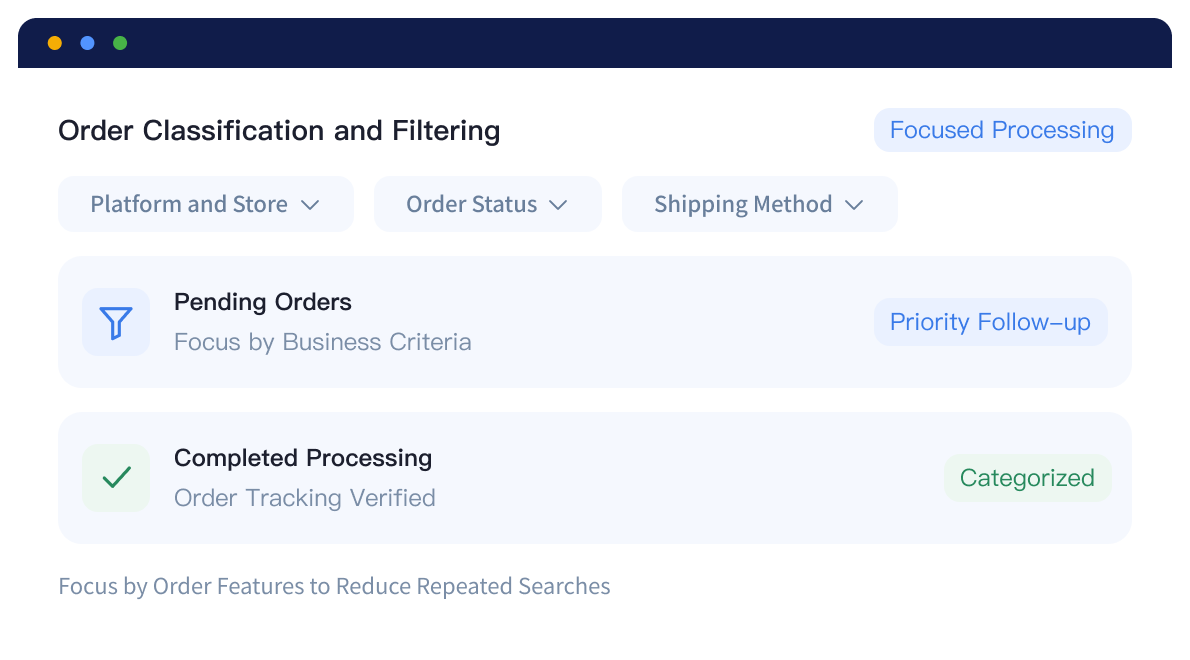
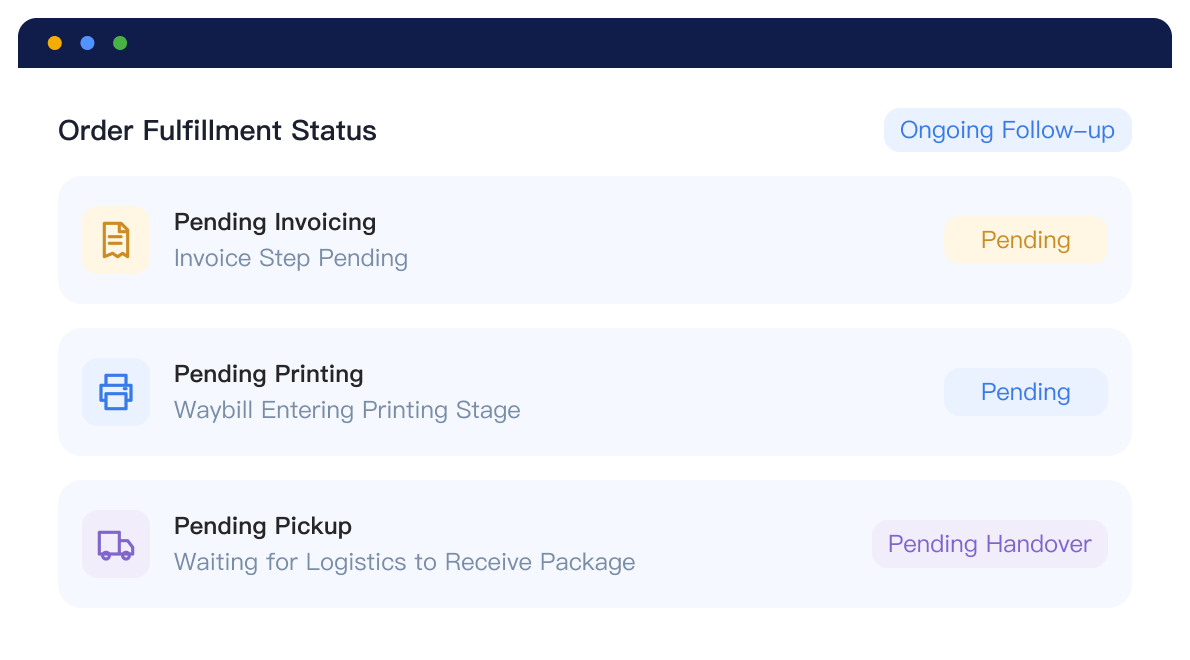
Bring orders from multiple stores together, make priorities clear, and keep fulfillment progress in view.
Orders together, less work to manage.
View orders across platforms and stores together instead of searching and sorting them separately.
Centralized orders, smoother collaboration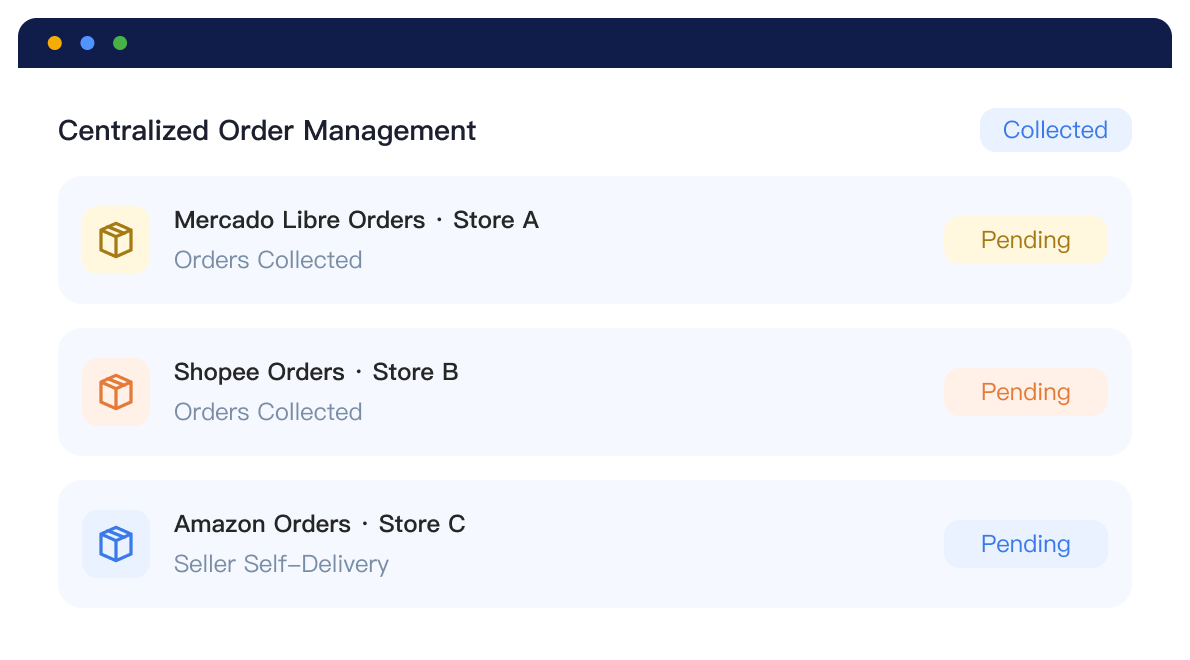
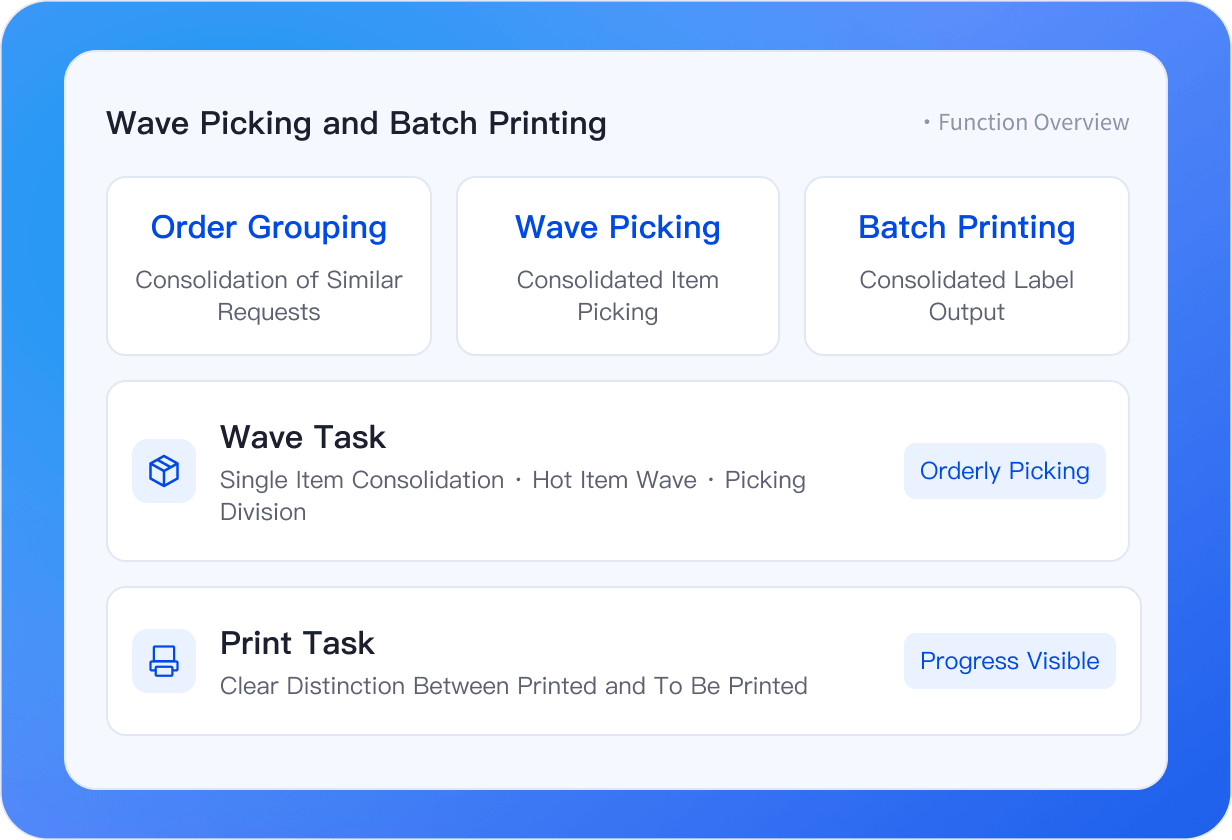
Reserve stock when orders arrive and deduct it automatically at shipment.
New orders automatically link to warehouse products. Stock reservation and deduction at shipment work together to reduce the risk of selling the same stock twice.

Automatic matching, less manual work
Match warehouse products by item code and custom rules.
Multiple matching methods
Flexibly link gifts and assorted items to the products actually shipped.
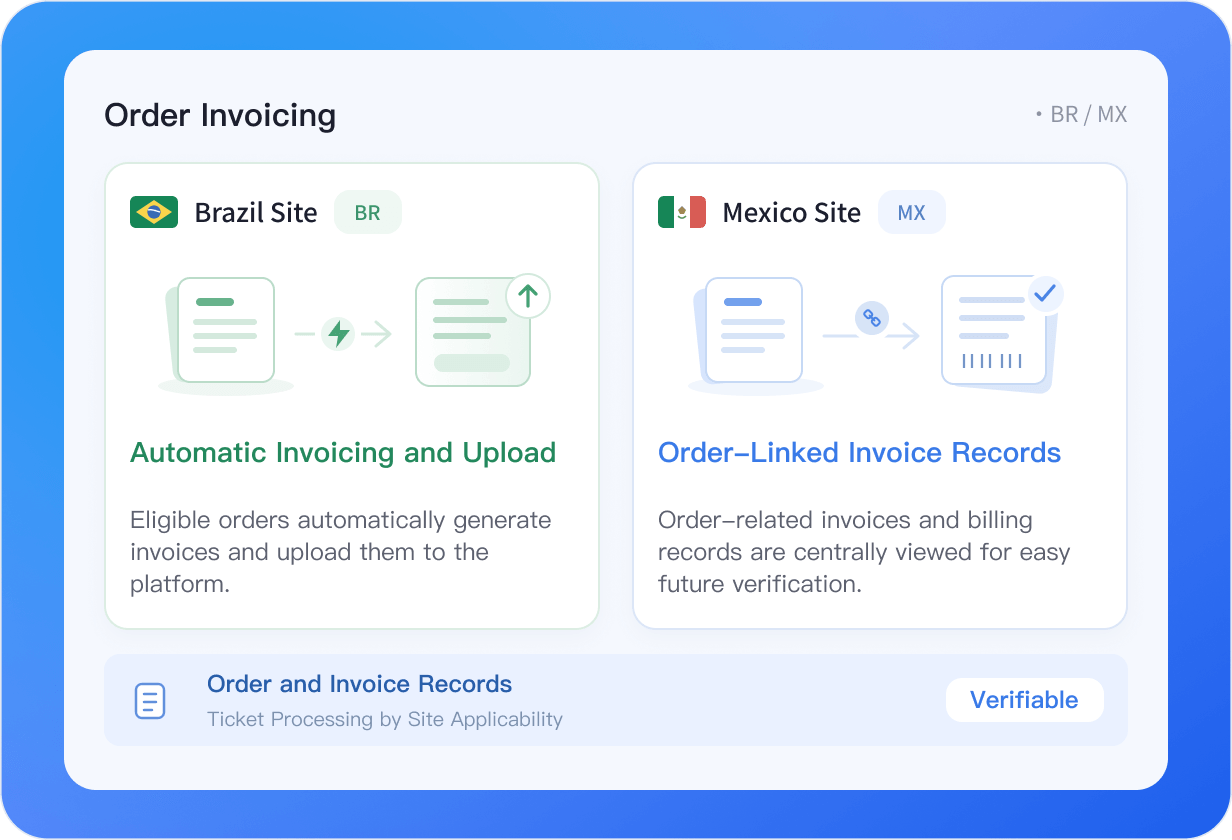
Connect invoicing with orders and ease local paperwork
Invoicing works differently in Brazil and Mexico. Link order details and invoice records by market.
Brazil Automatic Invoicing
Automatically issue and upload invoices for eligible orders, reducing repetitive work before shipment.
Mexico Order Invoicing
Link orders with invoices and invoicing records, with all invoice information centralized for easy access.
Clear and Traceable Records
Product tax information and invoicing results are connected, making daily verification clearer and easier.
Less invoicing work, more time for fulfillment
Automatically match warehouses and carriers and connect shipping arrangements
From warehouse and carrier selection to shipping arrangements, reduce order-by-order decisions so orders move into warehouse work sooner.
Shipping warehouse
Match order conditions with stock availability

Shipping method
Match carriers to store, product, and other conditions

Arrange shipping
Process orders that meet the shipping criteria

Tracking numbers and labels
Request after shipping is arranged
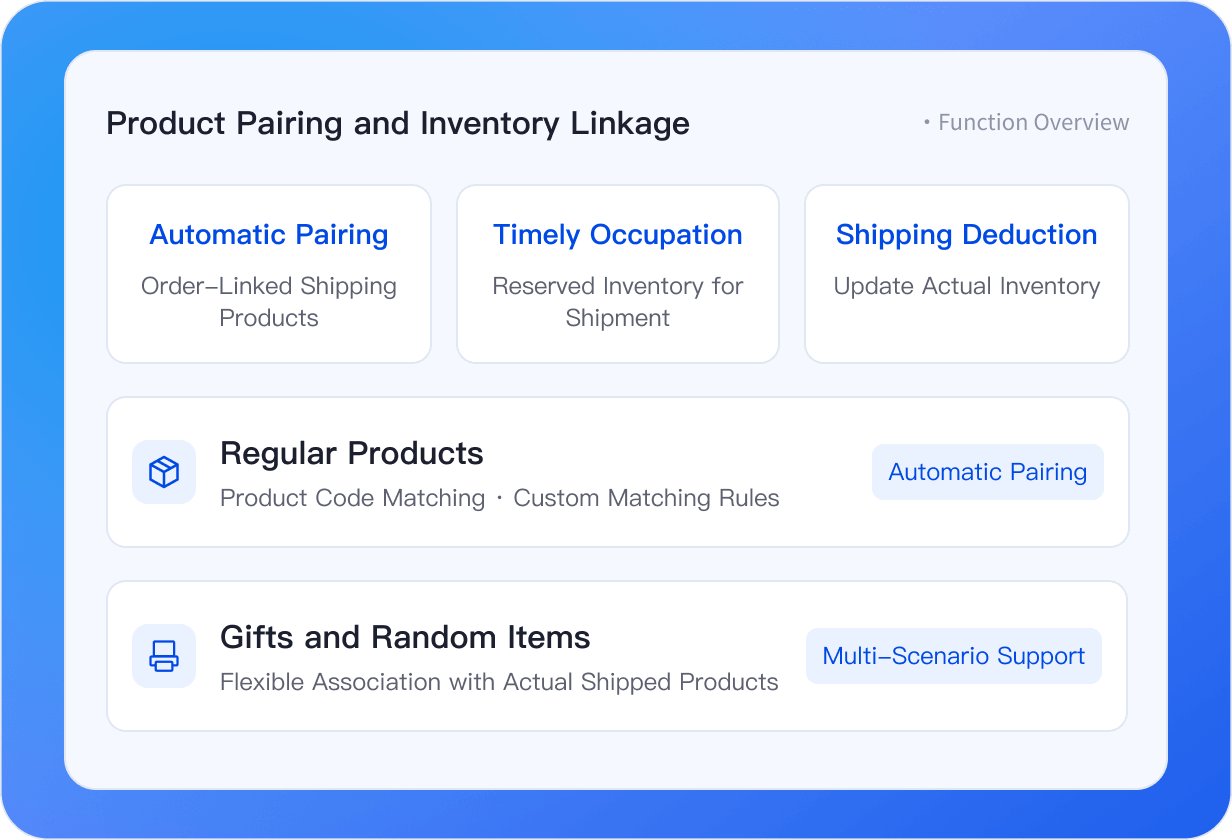
Wave picking and bulk label printingReduce repeated warehouse work
Pick similar orders together and print labels in bulk to reduce repeated trips and one-by-one printing, keeping warehouse work organized as order volume grows.
Pick similar items together
Group orders through single-item consolidation and high-volume item waves to reduce repeated trips.
Print shipping labels quickly in bulk
Print multiple orders together to reduce one-by-one handling and waiting.
Clear tasks and progress
Track picking assignments, print jobs, and completion status to keep work moving.
Pick the same items together and print labels for multiple orders to reduce walking and waiting.
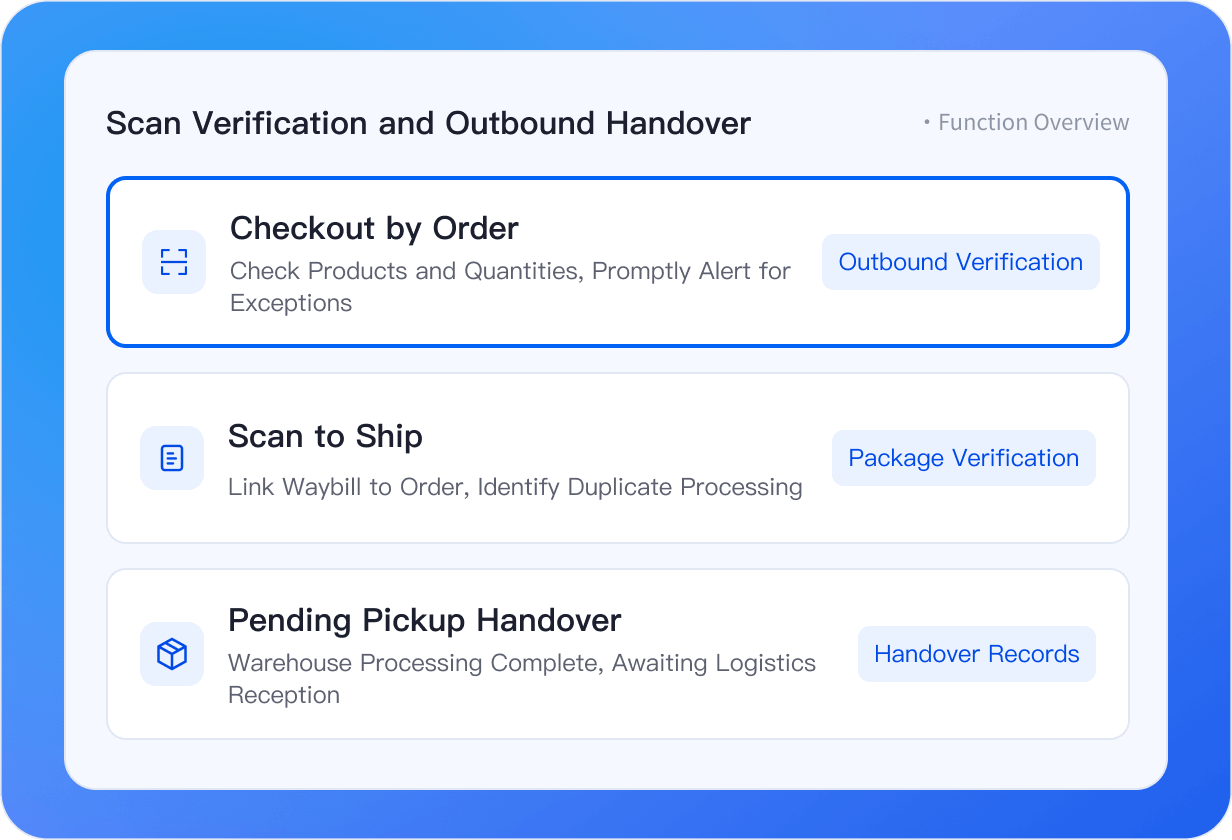
Scan to verify and dispatchReduce errors, and clarify handoff
Check items and quantities before dispatch. Scan-based shipping links parcels with order status, making wrong, missed, and duplicate shipments easier to spot and keeping a clear record of carrier handoff.
Verify items and quantities
Scan items against orders to catch extra, missing, or omitted items promptly.
Get alerts for duplicate handling
Compare labels and orders to identify duplicate scans and shipments.
Keep a record of handoff status
After scan-based dispatch, eligible orders move to Awaiting Pickup until the carrier receives them.
Keep proof of shipment
Keep shipping evidence so parcel handling can be traced for after-sales checks and dispute resolution.
Pack the right items, match each parcel to its order, and hand over shipments with confidence.
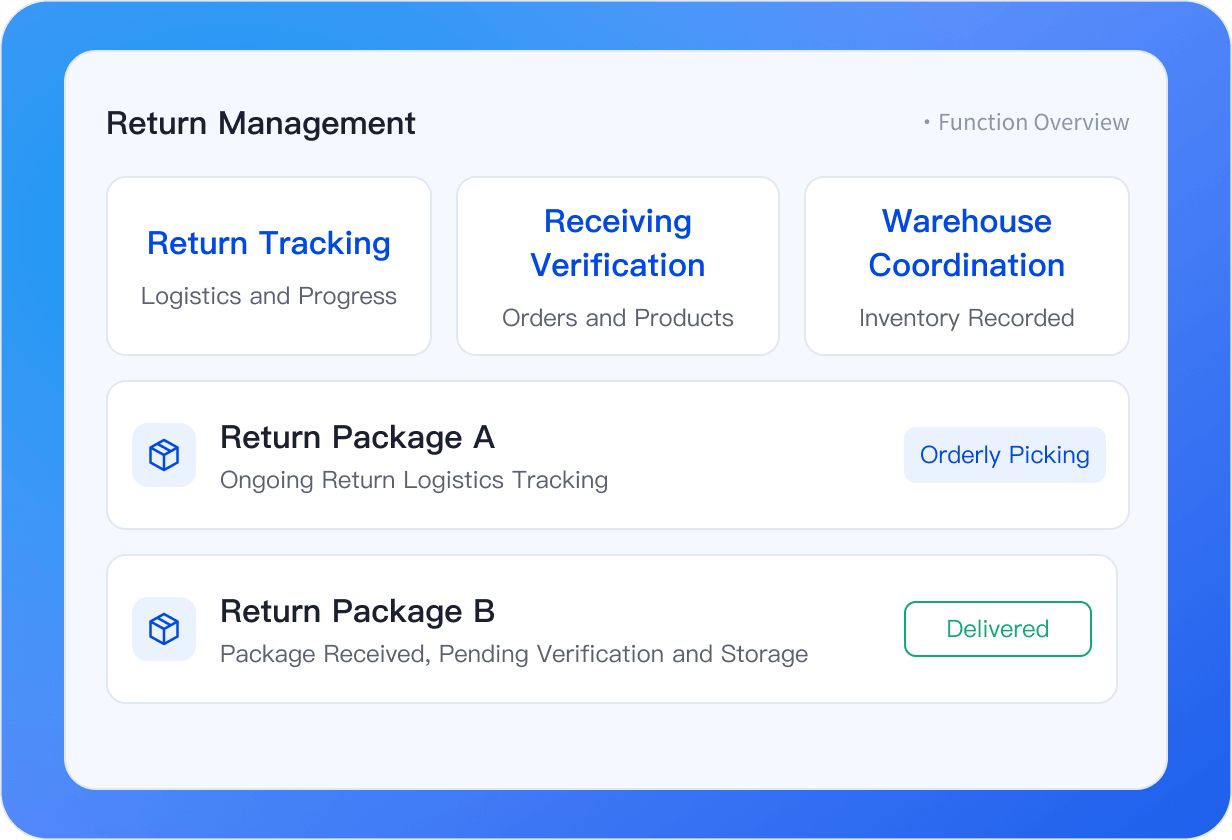
See return progress clearlyConnect receipt with restocking
Track return orders in one place, see return shipping, receipt status, and item details, and connect received goods to stock intake.
Track return progress centrally
Monitor parcels awaiting receipt, signed for, or flagged as exceptions to reduce missed follow-ups.
Keep orders and returned items matched
Link original orders, return reasons, and items for clearer checks.
Restock returned items in an orderly way
Link eligible returns to stock intake records and restore inventory after intake is complete.
Track dispatched orders and know where returned items stand.
Why manage order fulfillment with UpSeller?
Simplify invoicing, reduce repeated dispatch work, and miss fewer returns.

Bring orders together across platforms and reduce switching
Bring orders and progress together so the team can focus on items needing attention.
Connect local invoicing with orders and ease paperwork
Automatically issue and upload invoices for eligible Brazil orders, while Mexico orders stay linked to invoices and records.

Coordinate inventory and shipping for better preparation
Product matching, stock reservation, and warehouse and carrier assignment follow clear rules, reducing repeated checks and order-by-order decisions.

Coordinate picking and label printing to reduce repeated work
Group similar needs into waves, print labels in bulk, and scan-check items and parcels.
Track returned parcels and restock with clear records
Connect return shipping, receipt progress, and stock intake records to reduce omissions and inventory confusion after returns.

Trace dispatch and returns for clearer handoff
Key records from shipping preparation and scan-based handoff to return intake support team collaboration.
Frequently Asked Questions (FAQ)
Learn about where fulfillment features apply and how the key steps work.
Fulfillment capabilities vary by platform, market, and order type. Platform-fulfilled and seller-fulfilled orders also follow different workflows. Available features depend on your account, plan, and platform support.



 Mercado Libre
 Shopee
 Amazon
 SHEIN
 TikTok Shop
 TEMU
 Falabella
 AliExpress
 Magalu
 Kwai
 Americanas
 Walmart
 Shopify
 Nuvemshop
 WooCommerce